
How to Check Released Term Grades & Academic Standing
Step-by-step walkthrough for students to inspect periodic term grades (Prelims, Midterms, Semi-Finals, Finals), review official numeric/equivalent ratings, monitor General Weighted Average (GWA), and export grade evaluation sheets.
Before You Begin (Prerequisites)
- Active Student Portal Account (@gbox.ncf.edu.ph / Student ID)
- Validated Enrollment in the Target Academic Period
Step-by-Step Instructions
Open Term Grades & Select Academic Period
Sign in to your Student Portal (https://student-portal.sims.ncf.edu.ph), click 'Term Grades' in the sidebar menu, and select your target Academic Year and Semester from the period dropdown.
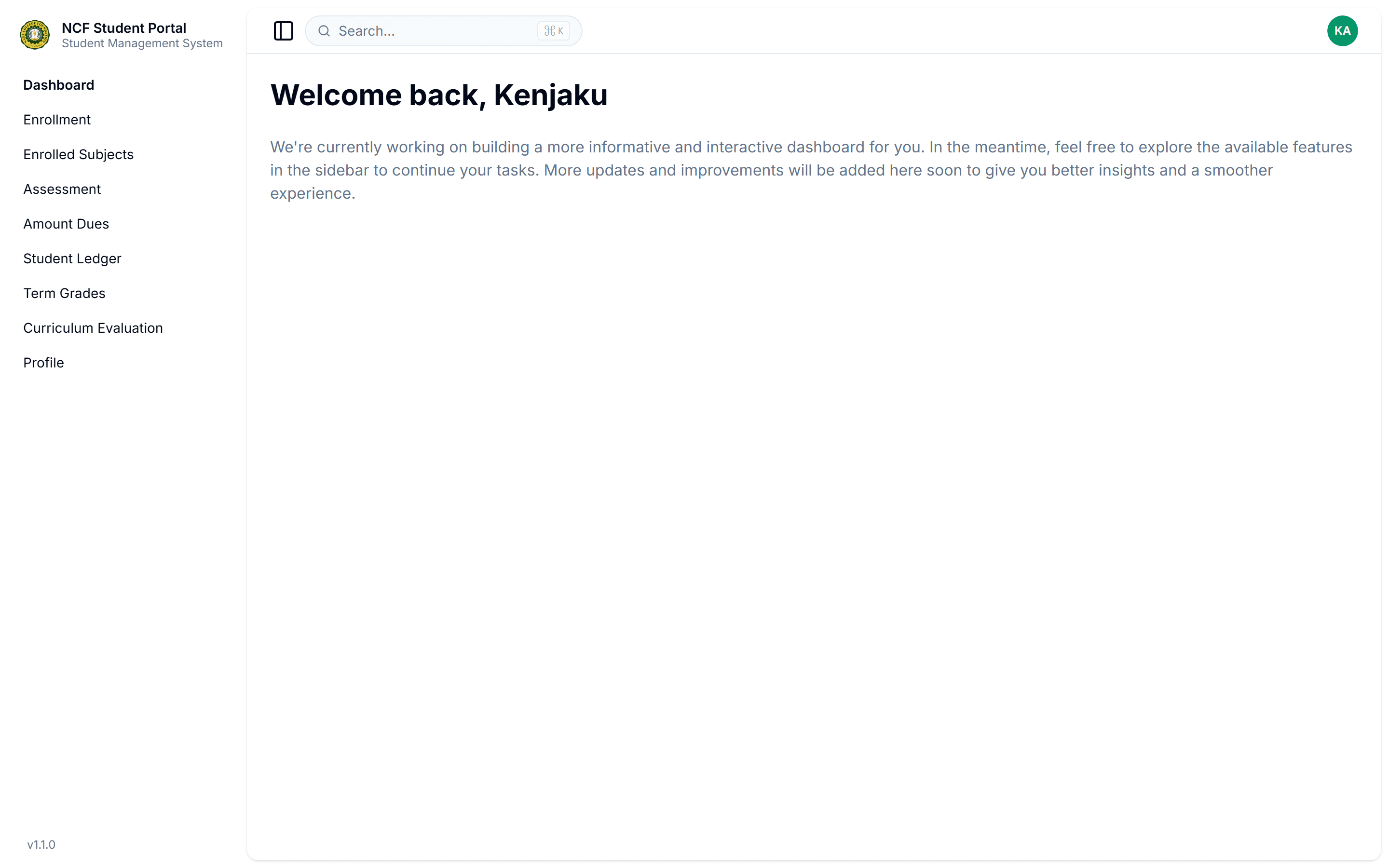
Interface: Open Term Grades & Select Academic Period
Inspect Subject Grades & Periodic Term Scores
Review the interactive grades data grid showing Class Codes, Subject Codes, Descriptive Titles, Faculty Instructors, and periodic scores (Prelims, Midterms, Semi-Finals, Finals, Final Weighted Average, Equivalent Rating, and Credit Units Earned).
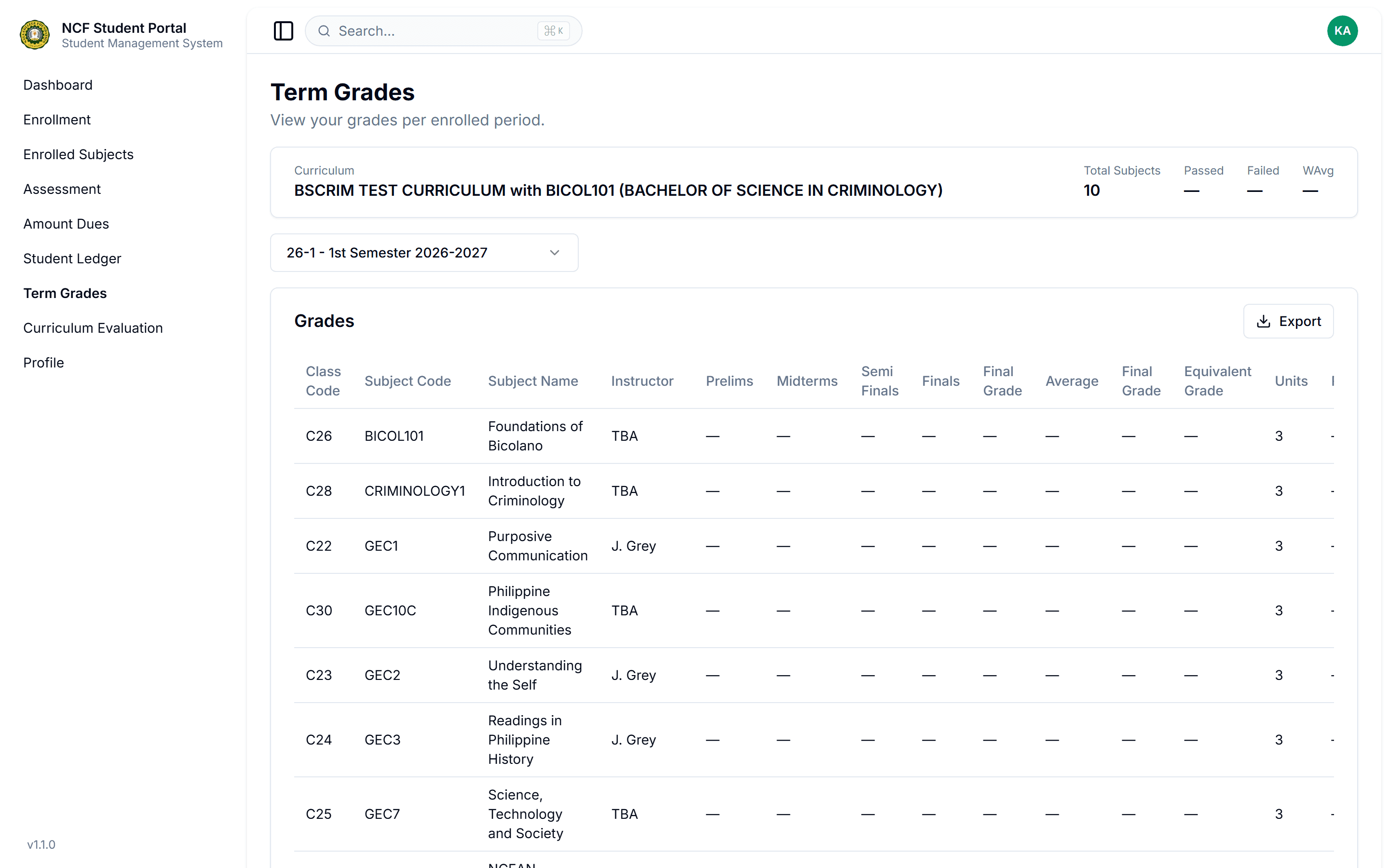
Interface: Inspect Subject Grades & Periodic Term Scores
Track Term GWA & Cumulative Credit Units
Review the summary metrics cards at the top of the page displaying Total Subjects, Passed Units, Failed Units, and Term General Weighted Average (GWA).
Export Grade Evaluation Slip & Verify Progress
Click the 'Export' button on the grades toolbar to download an official printable PDF Term Grade Evaluation Slip for personal records or prerequisite validation.
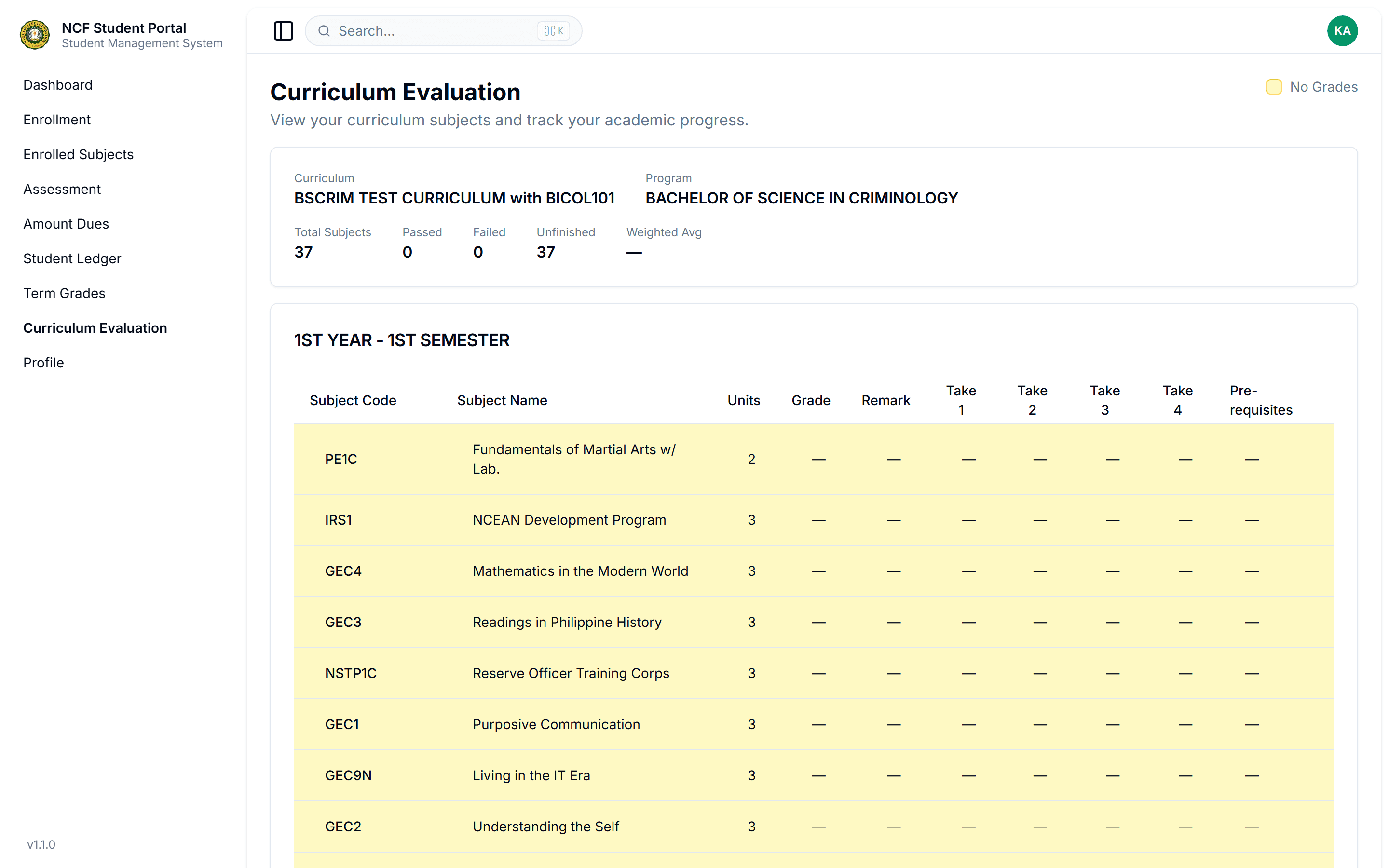
Interface: Export Grade Evaluation Slip & Verify Progress