
How to Track Curriculum Progress & Graduation Evaluation
Step-by-step walkthrough for continuing students and graduating candidates to track degree progress, monitor completed vs. unfinished curriculum subjects, inspect prerequisite requirements, and audit cumulative General Weighted Average (GWA).
Before You Begin (Prerequisites)
- Active Student Portal Account (@gbox.ncf.edu.ph / Student ID)
- Assigned Degree Program Curriculum Matrix
Step-by-Step Instructions
Open Curriculum Evaluation in Navigation
Sign in to your Student Portal (https://student-portal.sims.ncf.edu.ph) and click 'Curriculum Evaluation' in the left navigation sidebar.
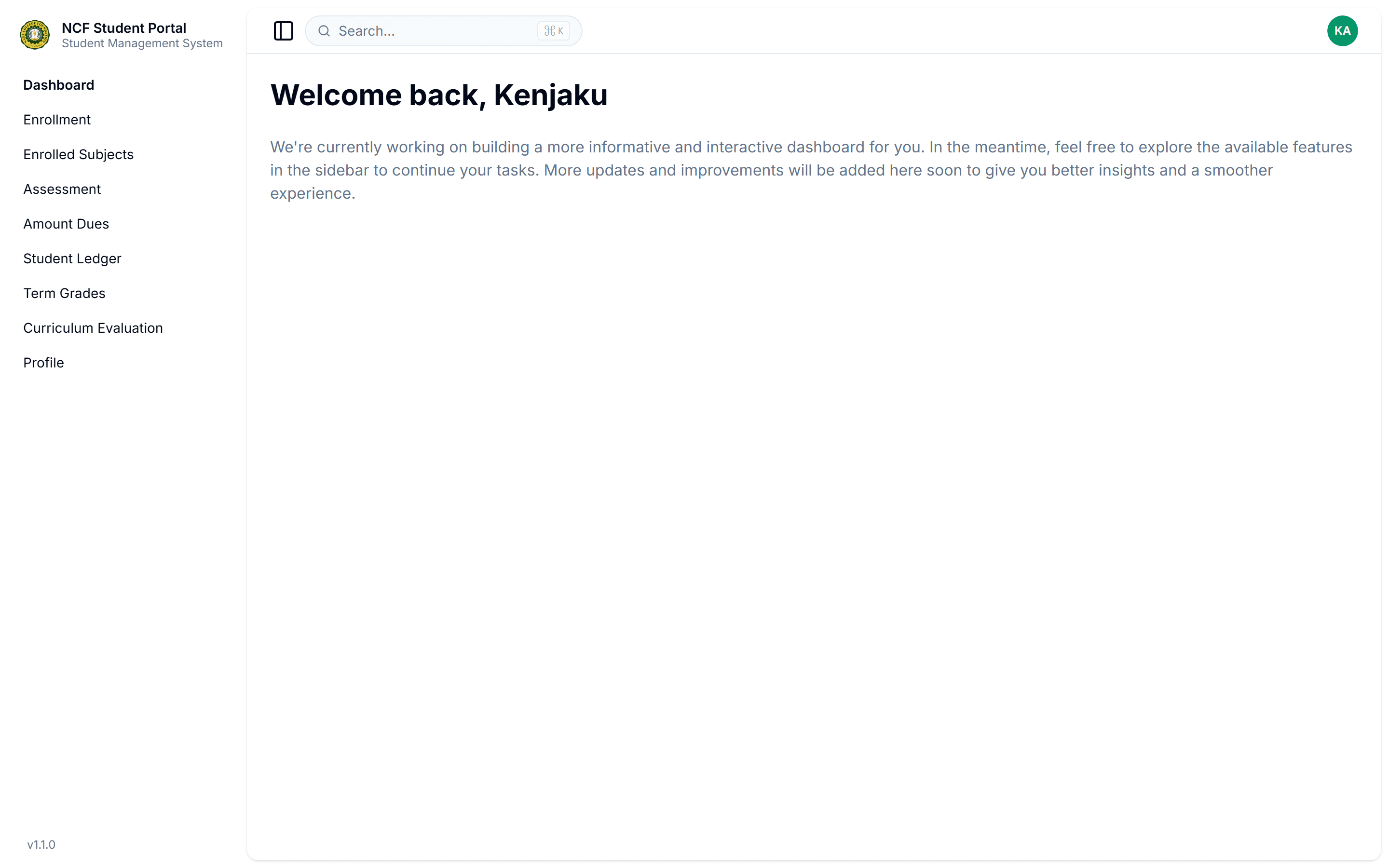
Interface: Open Curriculum Evaluation in Navigation
Inspect Degree Metrics & Completion Overview
Review the header metrics cards displaying your official Curriculum Catalog, Degree Program (e.g. Bachelor of Science in Criminology), Total Curriculum Subjects, Total Passed, Total Failed, Unfinished Subjects, and overall Weighted Average (WAvg).
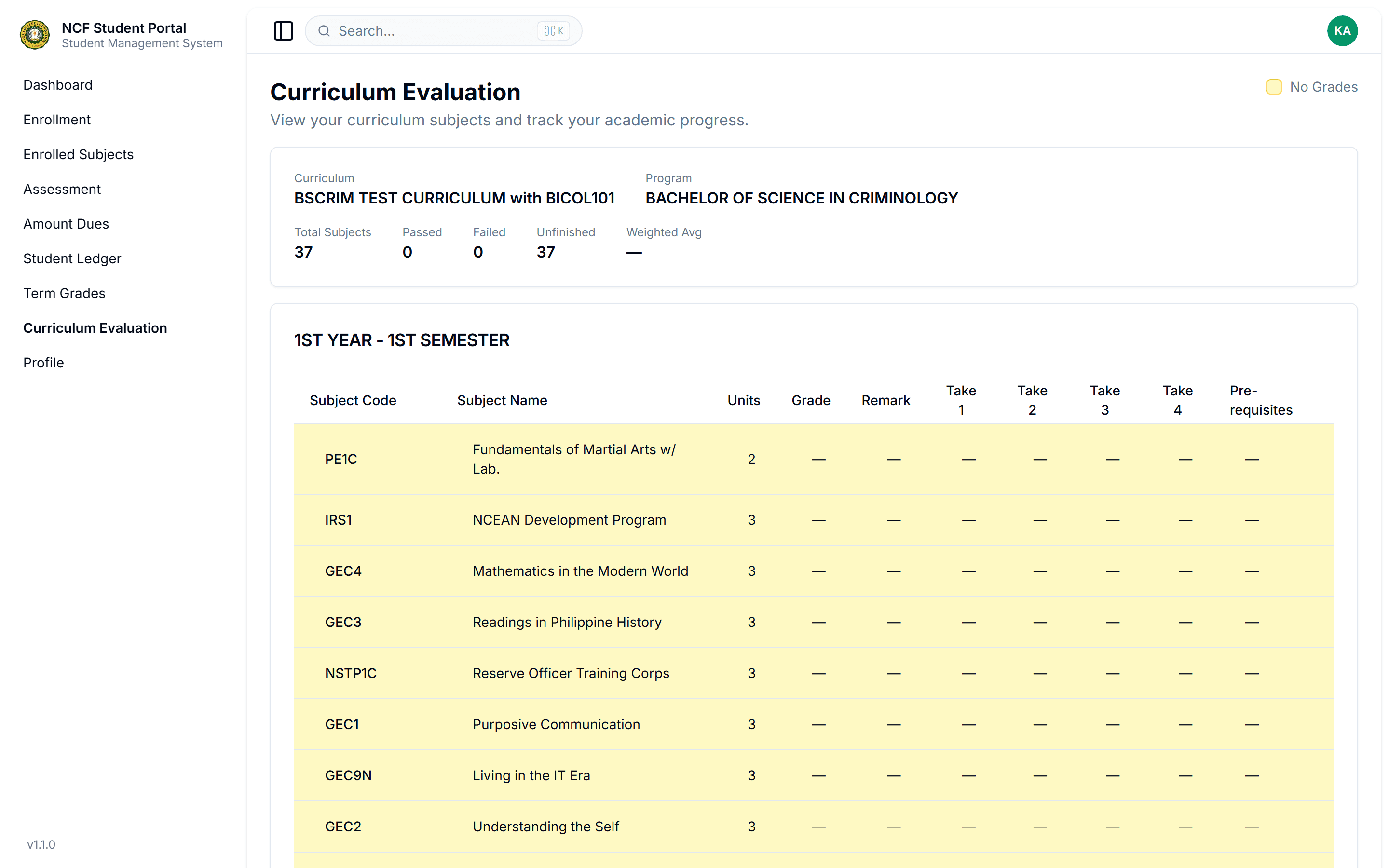
Interface: Inspect Degree Metrics & Completion Overview
Track Term-by-Term Course Status & Prerequisites
Inspect the categorized cards grouped by Year Level and Semester (e.g., 1st Year - 1st Semester to 4th Year - 2nd Semester). Check Subject Codes, Descriptive Titles, Credit Units, Earned Grades, Remarks ('Passed', 'Failed', 'Credited'), Retake History (Take 1–4), and required Pre-requisite subject codes.
Audit Graduation Requirements & Retake History
Verify that all prerequisite sequences are completed before enrolling in advanced major courses, practicum/internship, or thesis requirements. Ensure zero unresolved failing grades or uncredited transferee subjects remain before applying for graduation clearance.